
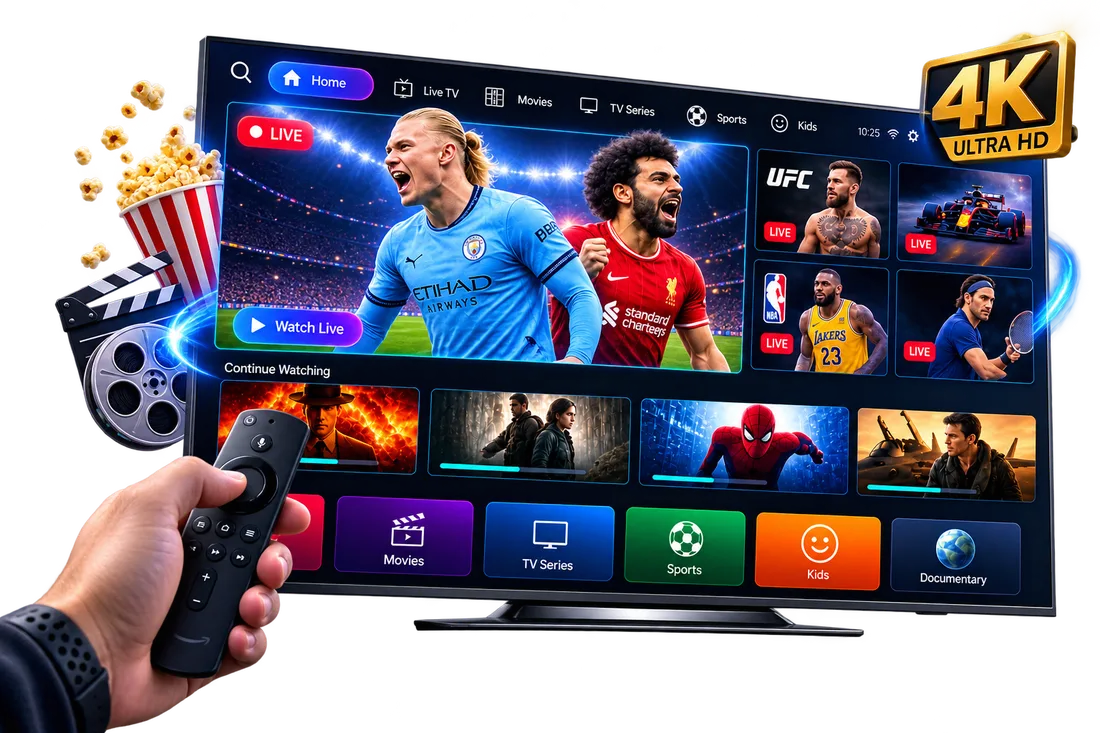
Quick answer: IPTV stands for Internet Protocol Television. Instead of receiving channels through a satellite dish, aerial or cable box, IPTV delivers live TV, catch-up and on-demand video over your internet connection — to a Smart TV, Firestick, phone, tablet or computer.
What Does IPTV Actually Mean?
"IPTV" is short for Internet Protocol Television. It's the technology behind streaming television content — live channels, catch-up TV and on-demand movies and series — using standard broadband internet rather than the satellite, cable or terrestrial aerial signals that traditional UK TV relies on.
In practice, IPTV is the same underlying idea as watching Netflix or iPlayer: video is sent to your device as data over the internet. The difference is that an IPTV UK service is typically built around live, linear channels — sports, news, entertainment and international TV — alongside a large on-demand library, all in one place.
How Does IPTV Work?
An IPTV subscription gives you login details (or a set of playlist credentials) that you enter into an IPTV player app, such as IPTV Smarters Pro, HOT Player or IBO Player. The app connects to the provider's servers over the internet and streams channels and content directly to your device, generally without needing to download anything in advance.
As long as you have a stable broadband or Wi-Fi connection, IPTV can be watched on a Smart TV, Amazon Firestick, Android TV box, Apple TV, phone, tablet or computer — often switching between all of them under the same subscription.
What Is an IPTV Subscription?
An IPTV subscription is simply a paid plan that gives you access to a provider's channel list and on-demand library for a set period — typically 1, 3, 6, 12 or 24 months. Most IPTV UK subscriptions include:
- A large number of live channels (UK and international)
- An on-demand library of movies and TV series
- Catch-up TV and an electronic programme guide (EPG)
- Support for multiple devices, depending on the plan
Pricing and what's included varies significantly between providers, so it's worth checking exactly what channel count, quality (SD, HD, 4K) and device support is bundled into a plan before subscribing.
IPTV vs Traditional TV in the UK
Traditional UK TV — Freeview, Sky, Virgin Media or a cable subscription — relies on a dish, aerial or fixed cable connection to your address, plus dedicated hardware like a set-top box. IPTV instead uses the internet connection you already have, which brings a few practical differences:
- No engineer visit or dish installation — IPTV is set up entirely through an app.
- Works away from home — many IPTV subscriptions can be used on a phone or laptop while travelling, not just on one fixed TV.
- One subscription, many devices — rather than a box tied to a single room.
- Depends on your internet — stream quality is only as good as your broadband connection, unlike satellite or aerial signal.
Is "IPTV TV" the Same Thing?
You'll sometimes see people search for "IPTV TV" — this usually just means IPTV watched on a television set, rather than a separate technology. Whether you're using a Smart TV's built-in apps, a Firestick, or a dedicated Android TV box, you're using the same IPTV service; only the device changes.
Getting Started With IPTV
To start using IPTV, you'll need three things: a stable internet connection, a compatible player app on your device of choice, and an active IPTV subscription with login details or a playlist URL. From there, setup usually takes a few minutes (our IPTV setup guide covers every device) — see our IPTV Smarters Pro setup guide for a full walkthrough, check how much internet speed IPTV needs, and our guide on whether IPTV is legal in the UK if you want to understand the legal side before you subscribe.